A WeTransfer alternative for delivering client video
Three things a transfer quietly costs you
None of these is a flaw in WeTransfer. They are what a transfer is: a file, moved, and then gone.
The first is the link expiring. A transfer link is built to close, so when the client comes back a month later wanting the same cut for a cutdown, an edit, or their own archive, you are re-uploading forty gigabytes you already sent once. A portal is a permanent address for that project until you decide otherwise.
The second is that the notes come back as prose. “Around the middle, the music is a bit much, and the logo thing near the end.” Everyone in this trade can translate that, at a cost of twenty minutes and one wrong guess per round. When the client comments on the frame, the frame is the note.
The third is the expensive one. The finals leave before the money arrives. The moment you attach the deliverables to a transfer, your leverage is gone and the invoice becomes a favour you are asking for. This is the actual reason freelance video gets paid late, and no reminder email fixes it.
Side by side
Structural differences only; both products change their plans.
| WeTransfer | FileSaurus | |
|---|---|---|
| What it is | A file transfer. Upload, send a link, the recipient downloads. | A client portal. The work lives at an address with review, approval and an invoice on it. |
| Link lifetime | Designed to expire — that is the product. | Stays up until you expire or revoke it. Expiry is a setting, not a countdown. |
| How the client watches | Downloads the file first, then opens it in whatever they have. | Streams it in the browser, on a phone or a laptop, with no download. |
| Feedback | Whatever they write back in an email. | Comments locked to the exact frame, with drawing on the picture, in one thread. |
| Versions | A second transfer called final_v3_REALLY_final. | Versions stacked on the same project, with the comment history attached. |
| Getting paid | Not part of it. | An invoice on the delivery, paid by card, into your own Stripe account. |
| Holding the finals | Once sent, sent. | Payment can gate the download or the preview. Unpaid previews are watermarked. |
| Whose brand | Theirs. | Yours on Pro: logo, colours and your own subdomain. |
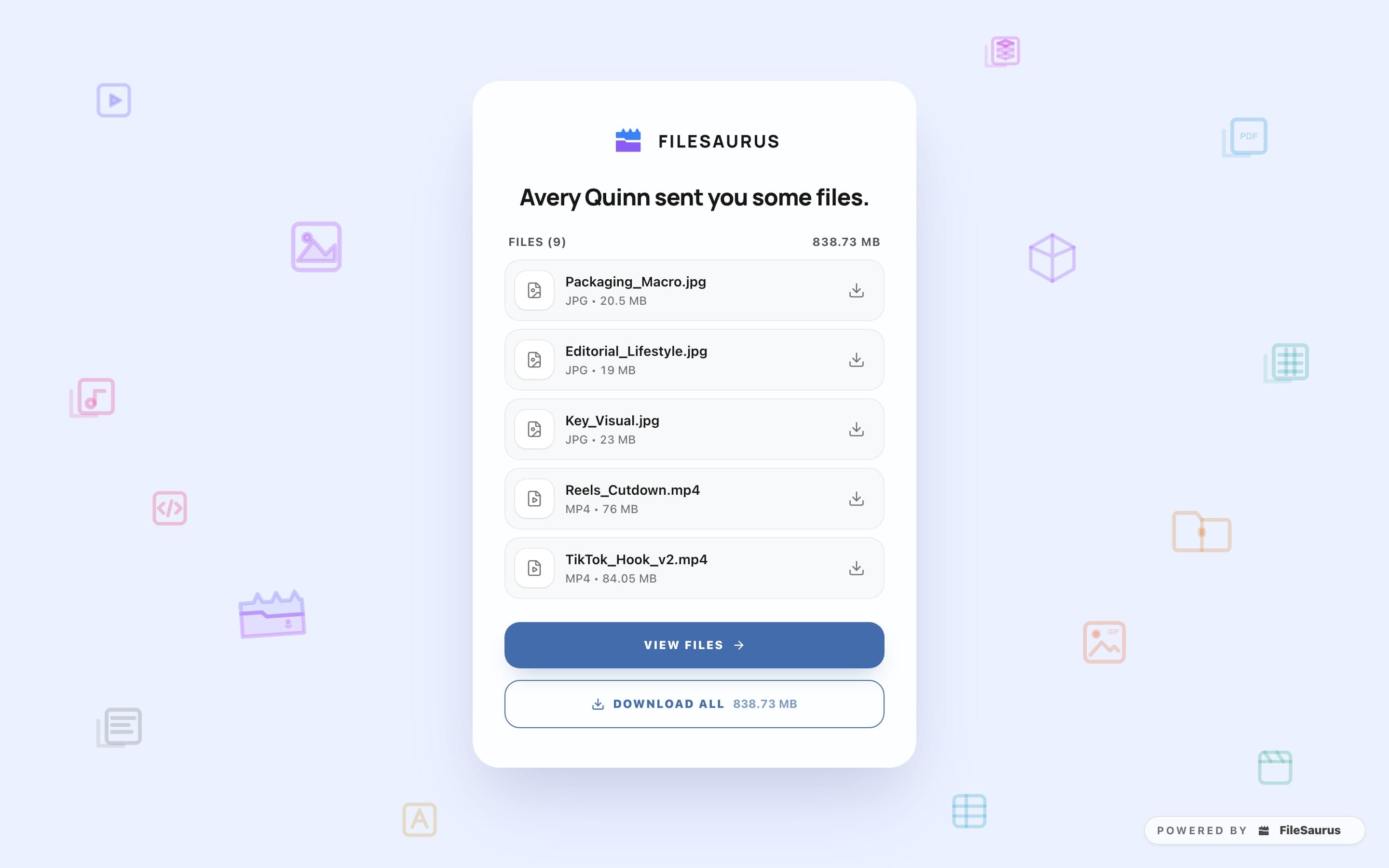
What the delivery looks like instead
One link and one page. The cut streams in the browser, the notes are on it, the invoice is on it, and the finals are behind it if you want them there. There is still no account for the client: they click and they are in, with a password or an expiry date per project when the material calls for one.
Payment before delivery stops being a conversation. You price the project, turn the paywall on, and the download unlocks when the card clears. The money is a direct charge on your own Stripe account, and we take no cut of it. Nothing is indexed either: every delivery URL is blocked from search engines, and files are served over signed, time-limited URLs. The security page is specific about what that does and does not protect you from.
Common questions
Does the link expire?
Only if you want it to. A portal stays up for as long as the project does, and expiry is a setting you turn on per project rather than a countdown you cannot stop.
How big a file can I send?
On the free plan, up to 2 GB per video and 4 GB for files that are not encoded, within 5 GB of storage. On Pro, 8 GB per video and 100 GB for other files, with 500 GB of active storage and no monthly upload cap.
Can the client still just download everything?
If you let them. Downloads are a per-project toggle, and you can require payment first, either before the download or before the preview plays at all. Until then the client watches a streamed, watermarked preview in the browser.
Do they need an account?
No. That part works exactly like a transfer link: they click it and they are in. What differs is where they land — a branded page where they can comment on the exact frame, approve, pay and download, rather than a file that starts saving to their Downloads folder.
When a transfer is still the right answer
Sending source material to someone. A one-off file to a stranger. Anything with no project, no feedback and no invoice attached to it. A portal is overhead for that, and you should just send the file.
The line is simple enough: if you will need to talk about the file after you send it, it wants an address. If you will not, it wants a transfer.
Deliver the next one as a portal
Free on Starter: 5 GB of storage and 2 active projects, with review and invoicing included. Pro is $24.99/month.
Start freeAlso worth reading: how to send large video files to a client.
WeTransfer are trademarks of their respective owners. FileSaurus is not affiliated with, or endorsed by, any of them. Everything said here about another product describes how it is sold and what it is built to do, as published by its makers and checked on 21 September 2026 — products change, so check the current details with them before you decide.